Introducing WP Core Integrity Repair – Peace of mind for your WordPress site.
Recent critical PHP vulnerabilities have made it easier than ever for attackers to break into WordPress websites.
Once the hackers get in, one of the first things they often do is upload extra PHP files (backdoors) or quietly change core WordPress files so they can keep access for later.
That’s where WP Core Integrity Repair can help.
How It Works
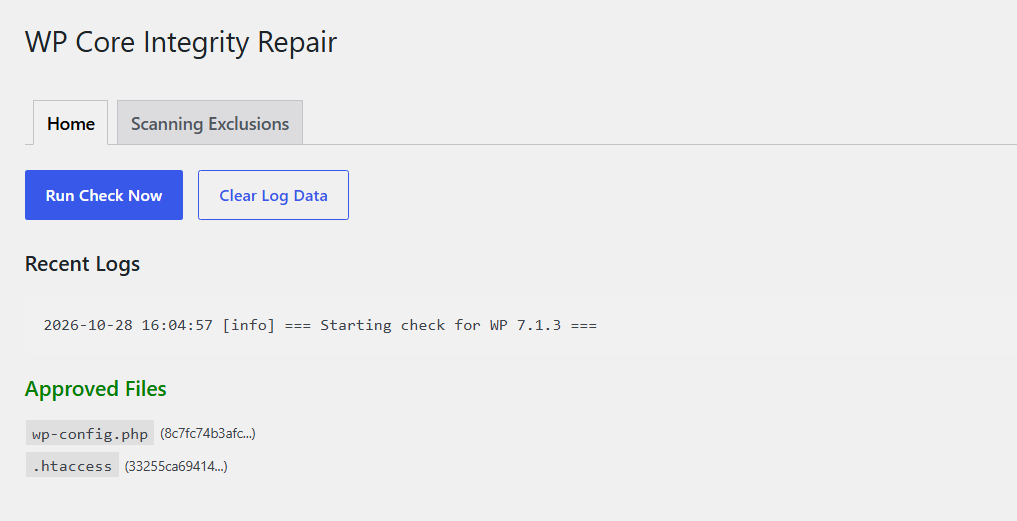
- Scan Your Core Files: With one click, the WP Core Integrity Repair checks every WordPress core file on your site against the official versions from WordPress.org.
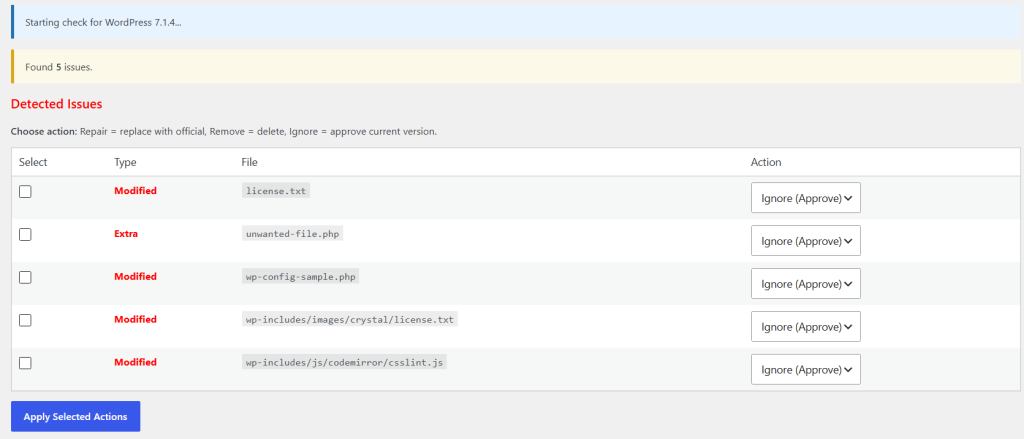
- Spot the Problems: Post-scan results clearly shows you two kinds of issues:
- Modified files – core files that no longer match the official version
- Extra files – files that don’t belong in a normal WordPress installation
- Take Action (Pro Version): You decide what to do with each issue:
- Ignore (Approve) – if you intentionally changed a file
- Repair – replace a modified file with the clean official version
- Remove – delete an unwanted extra file
- Train the Plugin: When you approve a file, the plugin remembers it. Future scans will ignore those approved files so you don’t get the same alerts again.

Why does WP Core Integrity Repair matter?
Most WordPress security plugins focus on blocking attacks.
WP Core Integrity focuses on what happens after an attack — or when something just doesn’t look right.
WP Core Integrity checks your current installation file ‘hash’ and compares those with the hashes from the WordPress repository.
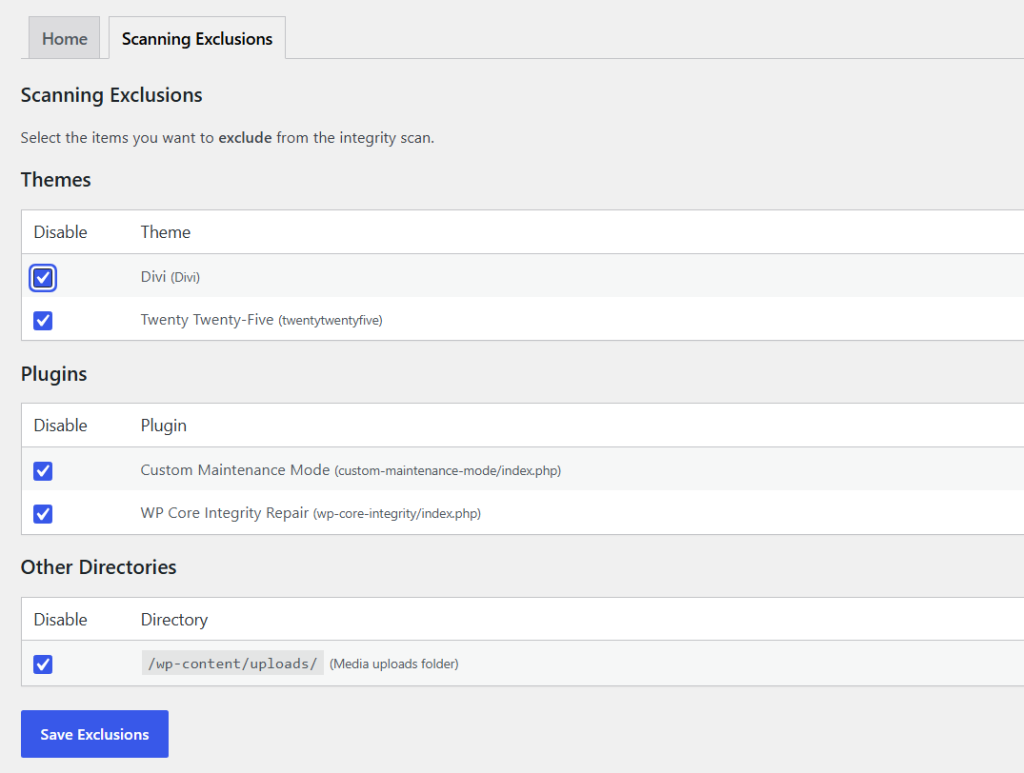
It can also show you a detailed scan of the contents of your uploads and plugins folders, and you can look for anomalies there as well.
WP Core Integrity Pro allows a WordPress administrator to check and see if their WordPress core installation has all native and genuine “unmodified” files.
It answers a simple but important question:

“Are my WordPress core files still clean?”
Any web designer that has been around for any length of time has asked themselves this very question. The answer is what to do … do you assume your core files are clean or do you delete/upload all core files using FTP software?